Create a jar/exe file in java using cmd
Yes, obviously why would someone create a jar file using console. When instead they could use an IDE. well, You would do it. That is why you are here. so, lets get started.
To Create an executable file :
Create a java file. Just like below.
import javax.swing.JFrame;
import javax.swing.JLabel;public class TempSwing
{
 public static void main(String args[])
 {
  JFrame frame = new JFrame();
  frame.setTitle("Create Account");
  JLabel G1 = new JLabel("Hello World!");
  frame.setSize(500,700);
  frame.setDefaultCloseOperation(JFrame.EXIT_ON_CLOSE);
  frame.add(G1);
  frame.setVisible(true);
 }
}
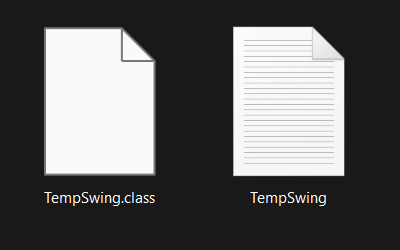
Contents of the folder should look Something like this.
Now, open your console. and type in this command.
jar -cfe Temp.jar TempSwing "."C — for creating a new jar file.
f — for name of the jar file.
e — name of the class file to be executed on double click.
“.” — The .(dot) is used to compile all the files in the folder in the jar.
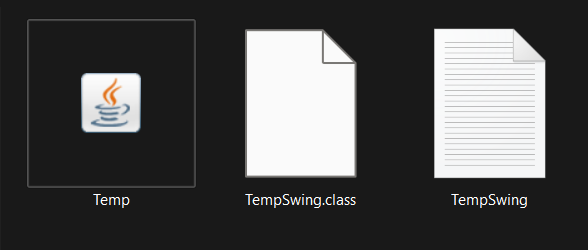
This is how the folder should look like after executing the command.
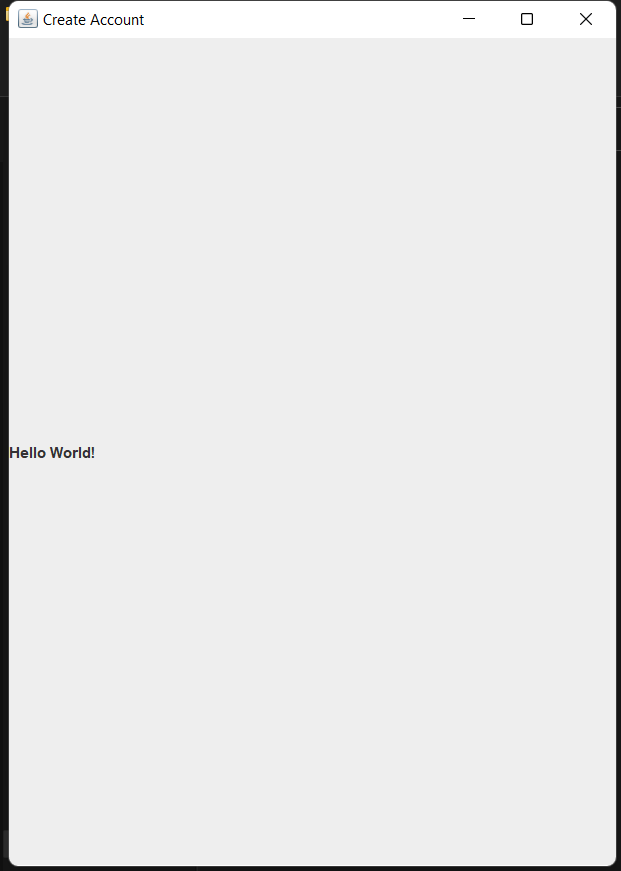
This is how my jar/exe looks after double clicking.
This is not exactly an exe file this is an jar file.
Note :- If the jar file does not run on double click, please check the default apps to use to open jar files.
Comments
Post a Comment